
How Fast Should a Website Load in 2026?
How Fast Should a Website Load in 2026? In 2026, a strong website load speed target is simple: your most important content should feel available in about two seconds, and your site should meet Google’s Core Web Vitals standards whenever possible. That means the page should load its main content quickly, respond fast when someone […]
How Fast Should a Website Load in 2026?
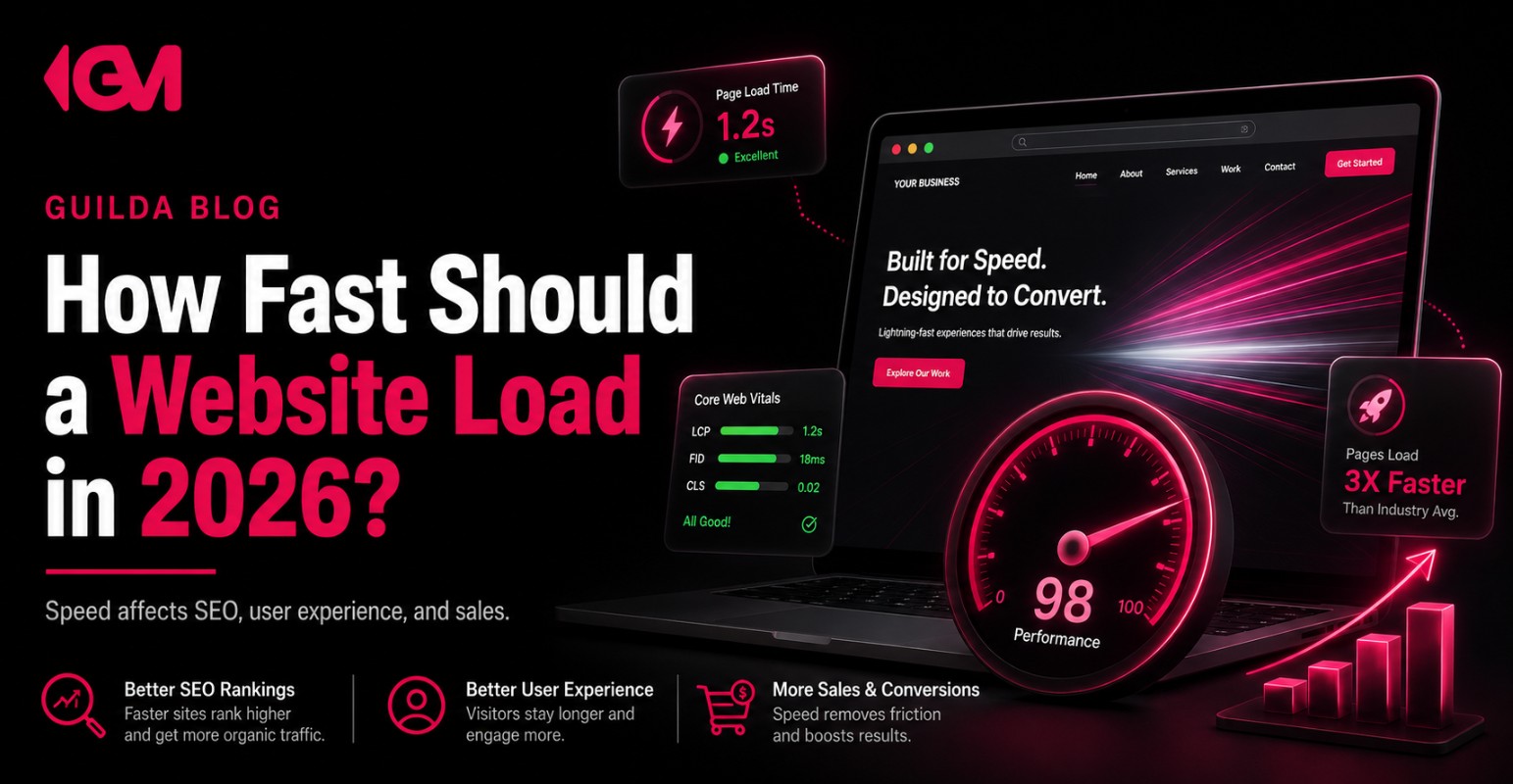
In 2026, a strong website load speed target is simple: your most important content should feel available in about two seconds, and your site should meet Google’s Core Web Vitals standards whenever possible. That means the page should load its main content quickly, respond fast when someone clicks, and avoid frustrating layout shifts while the visitor is trying to read, tap, call, buy, or request a quote.
For a business owner, speed is not just a technical score. It affects how confident people feel, how much patience they have, how easily they compare you with competitors, and whether your marketing budget turns into real opportunities.
A slow website can make good SEO, paid ads, reviews, and content work harder than they should. A fast website removes friction before the visitor even starts judging your offer.
What Website Load Speed Should You Aim for in 2026?
The practical target for most business websites is this:
- Main content visible within 2.5 seconds or less.
- Important interactions responding in 200 milliseconds or less.
- Minimal layout movement while the page loads.
- A mobile experience that feels smooth on real devices, not only on a fast office connection.
That does not mean every page must be visually complete in two seconds. A better way to think about speed is: can the visitor understand the page, trust the business, and take the next step without waiting?
Website speed is not only how fast a page finishes loading. It is how quickly the visitor can make a decision without friction.
For a local service business, that decision may be calling. For an eCommerce store, it may be viewing product photos and adding to cart. For a SaaS company, it may be understanding the product and booking a demo. The faster those decision points become usable, the stronger the experience.
Why Website Load Speed Still Matters for SEO
Website load speed matters for SEO because Google wants searchers to land on pages that are useful, accessible, and easy to use. Speed is not the only ranking factor, and a fast page with weak content will not magically outrank a better answer. But when competitors have similar relevance, authority, and content quality, user experience can become a meaningful difference.
Core Web Vitals help measure three parts of the experience:
| Metric | What It Measures | Why It Matters to Business |
|---|---|---|
| LCP | How fast the main visible content loads. | Visitors can quickly understand what the page is about. |
| INP | How quickly the page responds after user interaction. | Buttons, forms, menus, filters, and checkout actions feel responsive. |
| CLS | How stable the layout is while loading. | Visitors do not accidentally tap the wrong button or lose their place. |
For SEO, speed should be treated as part of page quality. A technically fast site still needs helpful content, strong service pages, clear search intent alignment, internal links, credible information, and a reason for the visitor to choose your business.
How Slow Pages Hurt User Experience Before You See It in Analytics
Most business owners notice slow website performance only after it becomes visible in reports: lower conversion rates, weaker engagement, fewer form submissions, or paid traffic that feels too expensive. The problem usually starts earlier.
A visitor may not think, “This website has poor performance.” They simply feel hesitation. The page takes too long, the button is delayed, the layout jumps, or the mobile menu feels clunky. Then they return to Google, check another provider, or choose a competitor with a smoother experience.
For local service businesses
A homeowner searching for an HVAC company, roofing contractor, cleaning service, or remodeling specialist often compares several businesses quickly. If your service page loads slowly on mobile, the visitor may never reach your reviews, service areas, financing information, project photos, or contact form.
For eCommerce brands
Product pages carry the sale. If images are heavy, variants lag, reviews load late, or the cart feels unstable, speed becomes a revenue issue. The customer may like the product but lose confidence before checkout.
For professional services and SaaS
A slow page can weaken authority. If a law firm, accounting firm, consulting company, clinic, or software provider wants to be perceived as professional, the website experience must support that positioning. Slow performance quietly damages trust.
The Mistake: Optimizing for a Score Instead of a Sale
A common mistake is treating speed as a technical project separated from business goals. Teams run a speed test, chase a higher score, compress a few images, install a plugin, and assume the issue is solved.
But the real question is not only, “What score did the tool give us?” The stronger question is, “Can the visitor reach the revenue action faster?”
| Weak Approach | Stronger Approach |
|---|---|
| Only chasing a perfect performance score. | Improving the speed of the content and actions that influence leads or sales. |
| Testing only the homepage. | Testing service pages, product pages, landing pages, checkout, and contact pages. |
| Relying on desktop performance. | Prioritizing mobile performance because many visitors arrive from phones. |
| Installing more plugins to fix speed. | Reducing unnecessary scripts, heavy assets, bloated layouts, and weak hosting issues. |
A fast website should support the sales path. That means the hero section, call button, quote form, product images, proof points, reviews, navigation, and checkout experience matter more than decorative effects that slow the page down.
Where Website Load Speed Affects Sales and Lead Generation
Speed influences conversion because it shapes the first few seconds of trust. Visitors are usually not patient when they are comparing options. They are looking for a reason to continue or a reason to leave.
The most important conversion areas affected by speed include:
- Landing pages: Paid traffic becomes harder to justify when the page loads slowly after the click.
- Service pages: Visitors need quick access to services, proof, locations, and calls to action.
- Product pages: Images, reviews, product options, and add-to-cart buttons must feel smooth.
- Contact forms: Slow or delayed forms can make a qualified lead disappear.
- Checkout: Any lag near payment can reduce confidence and increase hesitation.
This is why speed should be evaluated alongside conversion rate optimization, not after it. A page can be persuasive, well-designed, and professionally written, but if it feels slow, the message may never get a fair chance.
Website Load Speed Diagnostic Checklist for Business Owners
You do not need to be a developer to identify the business impact of slow performance. Start with the pages that directly influence revenue, then look for friction.
Check these pages first
- Your homepage, especially on mobile.
- Top service pages or product category pages.
- Paid ad landing pages.
- Product pages, cart, and checkout for eCommerce.
- Contact page, quote request form, booking page, or demo page.
Look for these warning signs
- Large hero images or videos that delay the first meaningful view.
- Too many tracking scripts, chat widgets, pop-ups, plugins, or third-party tools.
- Buttons that feel delayed after tapping.
- Text, images, or forms that move while the page is loading.
- Mobile pages that feel much slower than desktop pages.
- High traffic pages with low engagement or weak conversion.
The goal is not to remove every advanced feature. The goal is to keep what helps conversion and reduce what slows down decision-making.
What Actually Makes a Business Website Slow?
Slow performance usually comes from a combination of technical decisions, design decisions, and marketing decisions. The website may have started simple, then collected extra scripts, plugins, design sections, tracking pixels, pop-ups, page builders, and media files over time.
Common causes include:
- Uncompressed images and oversized video files.
- Weak hosting or slow server response time.
- Too many plugins or poorly built themes.
- Heavy JavaScript that blocks the page from becoming usable.
- Third-party tools loading before critical content.
- Design elements that look impressive but slow the path to action.
- No clear performance process when new pages or campaigns are launched.
For many companies, the issue is not one big mistake. It is accumulated friction. Every tool, animation, script, and oversized asset adds a little weight until the website becomes harder to use.
How to Improve Website Load Speed Without Hurting Conversion
Improving speed should not mean stripping the site down until it feels empty. A business website still needs proof, clarity, brand quality, visuals, reviews, and strong calls to action. The smarter goal is to make important content lighter and easier to access.
1. Prioritize revenue pages first
Do not begin with pages that barely receive qualified traffic. Start with the pages that drive calls, quote requests, demo bookings, product sales, or ad conversions.
2. Reduce heavy assets above the fold
The top of the page should communicate value quickly. Large videos, oversized background images, and complex sliders often slow down the first impression without improving the decision.
3. Audit scripts and third-party tools
Analytics tools, heatmaps, chat widgets, ad pixels, booking tools, review widgets, and pop-ups can all be useful. But they should be loaded with intention. If a tool does not support measurement, conversion, or trust, it may not deserve priority.
4. Make forms and calls to action fast
Speed matters most near the next step. A quote form, booking button, add-to-cart button, or call link should feel immediate. If the page is fast but the action is slow, the conversion path still has friction.
5. Build performance into future campaigns
Every new landing page, seasonal offer, product launch, or local SEO page should be checked for speed before it becomes part of a growth strategy. Fixing performance after the campaign starts can waste valuable traffic.
How Fast Is Fast Enough for Different Business Models?
The benchmark is similar, but the business priority changes by model. A contractor, online store, clinic, and SaaS company may all need fast pages, but the friction points are different.
| Business Type | Speed Priority | What to Watch |
|---|---|---|
| Local service business | Fast mobile service pages and call buttons. | Slow hero sections, maps, review widgets, and quote forms. |
| eCommerce | Fast product pages, filters, cart, and checkout. | Large images, slow variant selectors, and checkout friction. |
| Healthcare or wellness | Fast trust-building pages and appointment paths. | Slow mobile booking, heavy imagery, and unclear next steps. |
| SaaS or technology | Fast product explanation, demo pages, and pricing pages. | Heavy animations, delayed forms, and unclear above-the-fold messaging. |
The right speed strategy depends on where your visitors hesitate. That is why speed, SEO, UX, and conversion should be reviewed together instead of treated as separate projects.
When Should You Get Strategic Help With Website Performance?
It makes sense to get help when speed issues are connected to revenue, not just technical maintenance. If your business depends on Google visibility, paid traffic, local leads, quote requests, product sales, or demo bookings, performance should be part of the growth strategy.
You may need a deeper review if:
- Your website gets traffic but does not generate enough leads or sales.
- Paid ads are sending users to pages that feel slow or cluttered.
- Your mobile experience feels weaker than your competitors’ sites.
- Your site has too many plugins, scripts, or design layers added over time.
- You are planning a redesign, SEO campaign, landing page build, or new ad strategy.
A good performance review should not stop at technical recommendations. It should connect speed to the pages, messages, calls to action, and trust signals that influence business results.
Frequently Asked Questions About Website Load Speed
Is website load speed a ranking factor?
Website speed is part of the broader page experience picture. It is not a replacement for strong content, relevance, authority, or search intent, but it can support SEO performance, especially when users have several similar options to choose from.
Is a perfect PageSpeed score necessary?
No. A perfect score is not always necessary or realistic. The better goal is a fast, stable, usable experience on the pages that matter most to leads, sales, and trust.
Should I remove videos and animations from my website?
Not automatically. Videos, animations, and visual elements can support branding and conversion when used carefully. They become a problem when they slow down the first impression or block the visitor from taking action.
Why is my website fast on desktop but slow on mobile?
Desktop tests often happen on stronger devices and faster connections. Mobile visitors may experience slower networks, smaller screens, heavier scripts, and less processing power. That is why mobile performance needs special attention.
What should I fix first if my website is slow?
Start with the pages closest to revenue: landing pages, service pages, product pages, booking pages, quote forms, and checkout. Then focus on heavy images, unnecessary scripts, weak hosting, and delayed calls to action.
Your Website Should Make Growth Easier, Not Harder
In 2026, a fast website is not a luxury upgrade. It is part of how a business earns trust, supports SEO, improves paid traffic efficiency, and turns interest into action.
The strongest websites do not just load quickly. They help visitors understand the offer, believe the business, compare confidently, and take the next step without friction.
If your website feels slow, cluttered, or disconnected from the way customers actually make decisions, Guilda Marketing can help you evaluate the bigger picture: performance, SEO, user experience, content, trust signals, and conversion strategy.
To build a faster, clearer, and more conversion-focused digital presence, talk to Guilda Marketing and get a more strategic view of what your website should fix next.
Want to apply this to your business?
Tell us about your business and we will review your digital presence, growth stage and the biggest opportunities for your next marketing move.